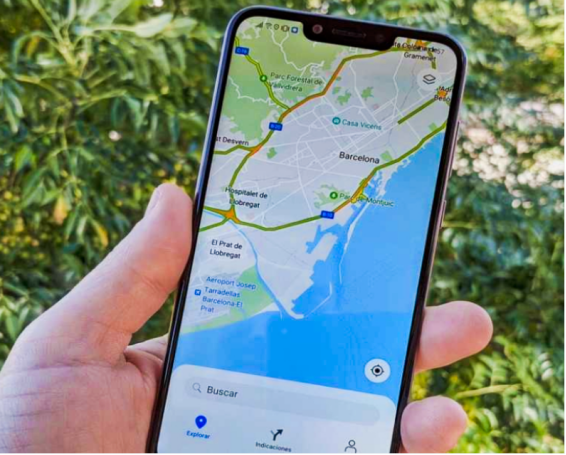
For many Huawei users, Google Maps remains a go-to tool for daily commuting, trip planning, and exploring unfamiliar areas. Even though newer Huawei devices no longer come with Google Mobile Services (GMS), users still look for ways to install Google Maps and wonder whether it will run securely and reliably. These concerns are understandable, especially when navigation is essential for work, travel, or emergencies. So, does google maps work on huawei?The good news is that Google Maps can operate safely and smoothly on Huawei devices when installed through the right methods. Let’s break down what users should know about safety, stability, and performance.
Safe and Stable Google Maps on Huawei: What You Should Know
Google Maps is fully usable on Huawei devices, but its performance depends on how it is installed and configured. Below are the main factors that influence its safety and stability.
Google Maps Is Safe When Installed Through Trusted Sources
Safety concerns usually arise when downloading apps from unfamiliar websites. Fortunately, Huawei users can install Google Maps safely when using reliable platforms like AppGallery (via MicroG), APKMirror, Uptodown, or APKPure. These sources verify app signatures to ensure no harmful modifications exist. When downloaded from trusted channels, Google Maps is just as safe on a Huawei device as it is on any standard Android phone. Avoiding unknown APK websites is important, as they may contain malware or unauthorized code.
Stability Is Strong When Google Maps Runs With MicroG Support
Many Huawei users rely on MicroG, an open-source substitute for Google Play Services. MicroG bridges the gap between Huawei’s HarmonyOS/EMUI and Google Maps, ensuring the app works smoothly. With MicroG installed, features such as sign-in, real-time traffic updates, saved places, and location services run consistently. This setup significantly improves stability compared to sideloading without proper framework support. Most users report near-native performance when Google Maps is installed via AppGallery or paired with MicroG.
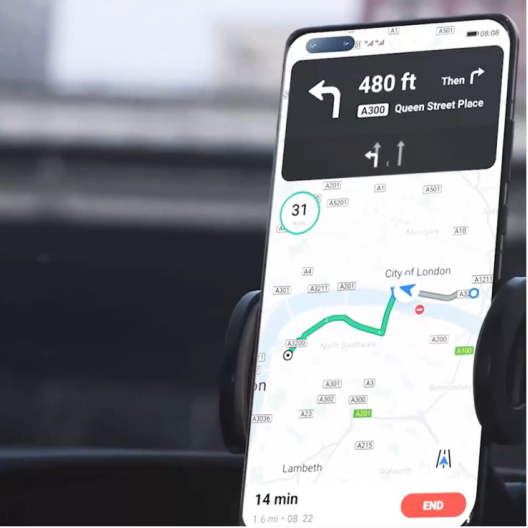
Navigation and GPS Performance Remain Reliable on Huawei Devices
Huawei phones and tablets are equipped with high-precision GPS, GLONASS, and BeiDou navigation chips. This means Google Maps receives strong positioning data, even without Google’s proprietary location services. Once location permissions and high-accuracy mode are enabled, Google Maps delivers fast GPS lock, smooth route tracking, and consistent turn-by-turn directions. This makes the navigation experience stable whether you’re driving, cycling, or walking.
See also: Building Engaging Learning Environments with EdTech Software
Real-Time Traffic and Transit Data Work When Network Access Is Stable
Google Maps relies on consistent network connectivity for features like real-time traffic, ETAs, and public transport updates. On Huawei devices, these features work perfectly as long as mobile data or Wi-Fi is available. Unlike some fears, Huawei’s lack of Google Play Services does not block live traffic updates—MicroG or browser-based usage ensures these functions remain available. As long as the device has internet access, live map data remains accurate and dependable.
Offline Maps Perform Perfectly and Ensure Extra Stability
One of the most useful Google Maps features—offline maps—works flawlessly on Huawei devices. Users can download entire cities or regions before traveling and access them without internet. Offline maps provide routing, location details, and driving directions, making them ideal for overseas travel or rural areas. This ensures stable performance even when coverage is weak, keeping Google Maps reliable in all kinds of environments.
Browser-Based Google Maps Offers an Extra Layer of Stability
If installing the app isn’t possible, Google Maps can still be accessed safely through the browser. Simply visiting maps.google.com offers search, directions, traffic data, Street View, and more. The browser version is secure, lightweight, and extremely stable because it does not rely on app frameworks. Many users choose this method when needing quick access without installation.
Conclusion
Google Maps is both safe and stable on Huawei devices when installed correctly. By using trusted sources, enabling MicroG support, adjusting GPS settings, and taking advantage of offline maps, Huawei users can enjoy a seamless navigation experience. Whether accessing it through the app or browser, Google Maps continues to deliver accurate directions, real-time data, and dependable performance. With the right setup, Huawei devices provide a smooth and secure platform for one of the world’s most trusted navigation tools.